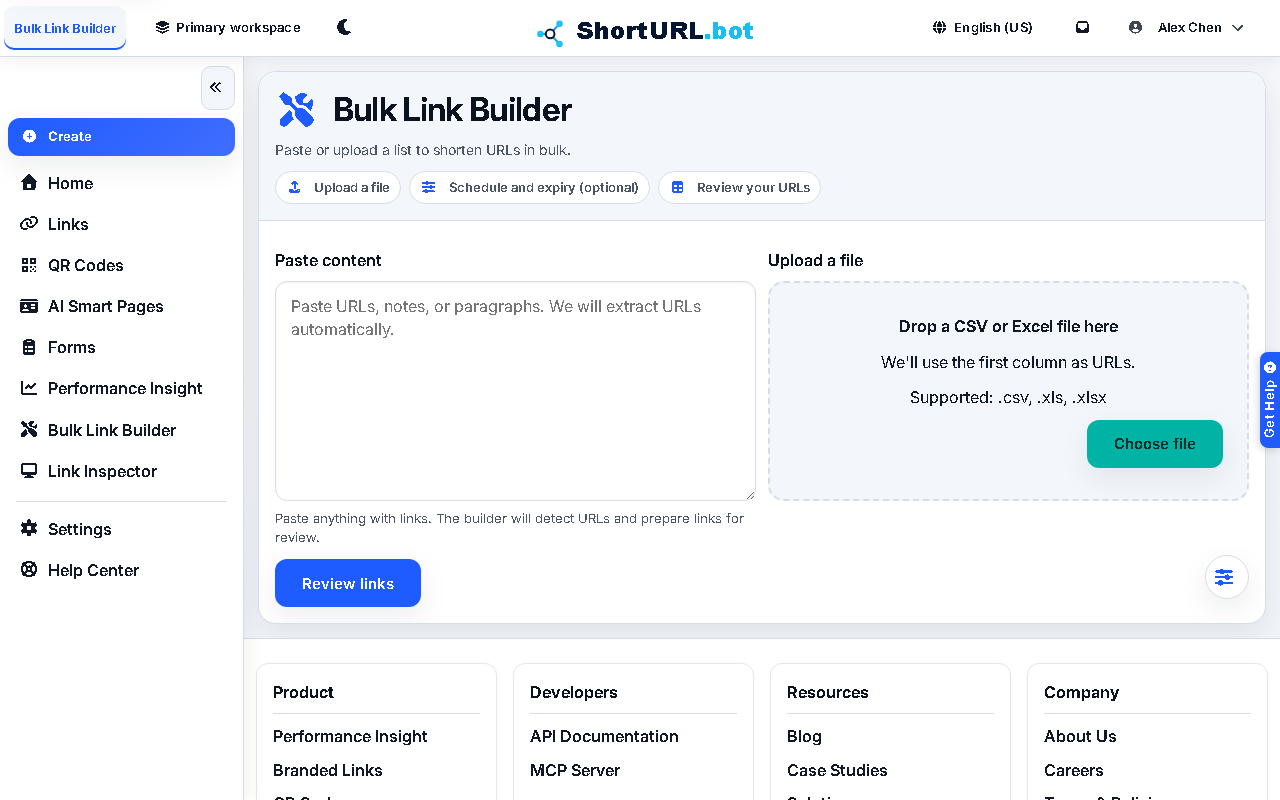
Bulk Link Builder
Who this is for
This page is for users preparing many links at once, such as campaign managers, operations teams, agencies, and growth teams running multi-row launches.
Before you start
- Gather the destination URLs or source file you want to shorten.
- Decide whether all rows will use the same domain, tag, or campaign convention.
- Do not set
2s.ggas a shared default for new bulk-created links. Use the current default domain or an active branded domain. - Confirm that bulk creation is the right workflow. If the job needs UTM design first, open Campaign Link Factory.
What to do — Bulk-create short links from a list
- Open Bulk Link Builder from the app.
- Paste or import the destination list you want to shorten.
- Set the shared defaults that should apply across the run, such as domain or campaign grouping.
- Review the batch before you create links so obvious row errors do not multiply.
- Run the bulk creation job and export or copy the results into your launch sheet.
Use it well — Bulk link quality tips
- Bulk workflows magnify bad input. Clean the source list before you shorten anything.
- Keep a lightweight naming or tagging standard so the output is still usable in analytics and audits after the campaign ends.
- If you also need QR assets or tracked variants, pair bulk link creation with QR codes or Campaign Link Factory.