App Home
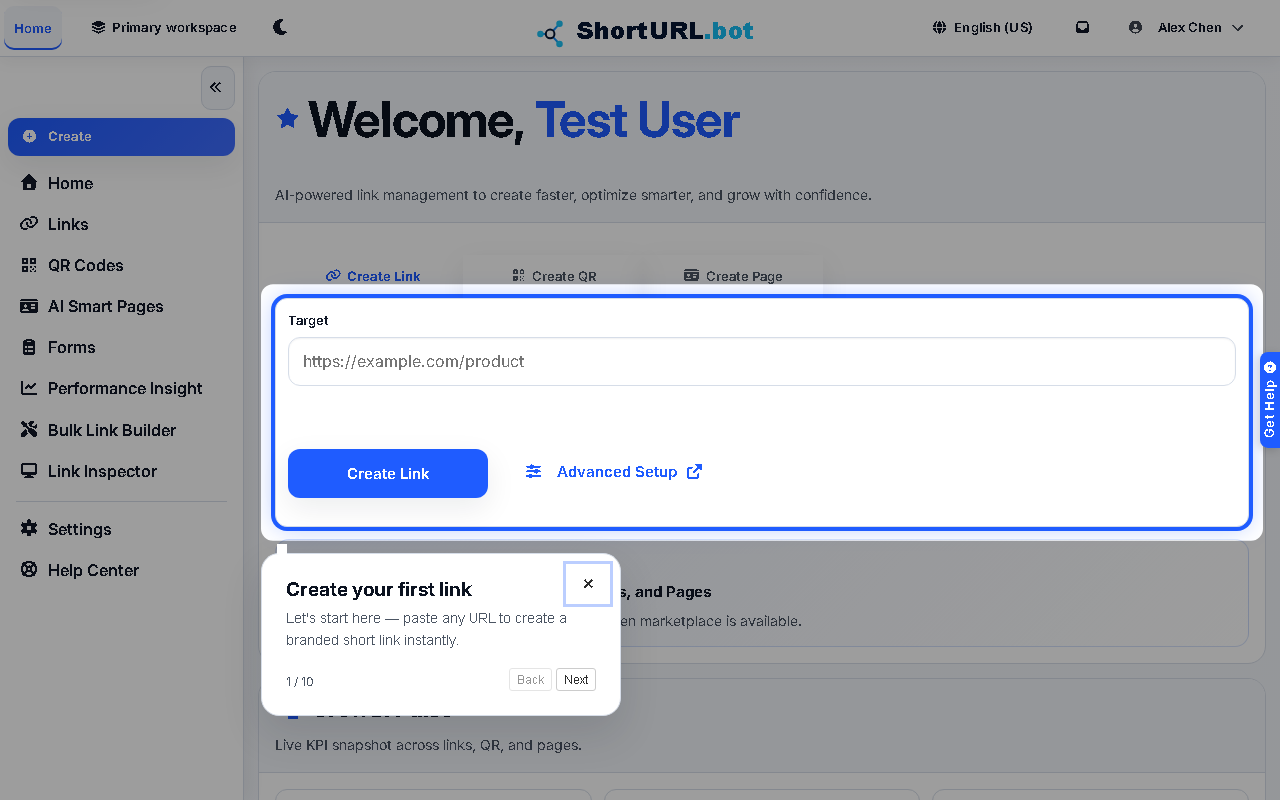
Who this is for
This page is for signed-in users who want a fast starting point before choosing a more specific ShortURL workflow.
Before you start
- Sign in to the ShortURL app.
- Confirm the workspace shown in the app header is the workspace you want to operate in.
- Decide whether you need a quick shareable asset or a more controlled workflow such as link editing, QR styling, campaign generation, or analytics review.
What to do - Use App Home
- Open App Home from the signed-in app sidebar.
- Review the workspace performance cards to understand recent link, QR, and Smart Page activity.
- Use quick create when you need a short link or QR code without opening the full builder.
- Open AI Smart Pages when you need a profile-style or campaign landing page instead of a single destination.
- Move into Links, QR Codes, Performance Insight, or Settings when you need advanced controls, reporting, or account administration.
Use it well
- Treat App Home as a triage screen. It is useful for quick creation and recent signals, but detailed changes still belong in the feature-specific pages.
- Check the selected workspace before using quick create if your account has multiple teams or client spaces.
- Use the deeper workflows when you need scheduling, expiry, branded domains, password protection, or review before publishing.