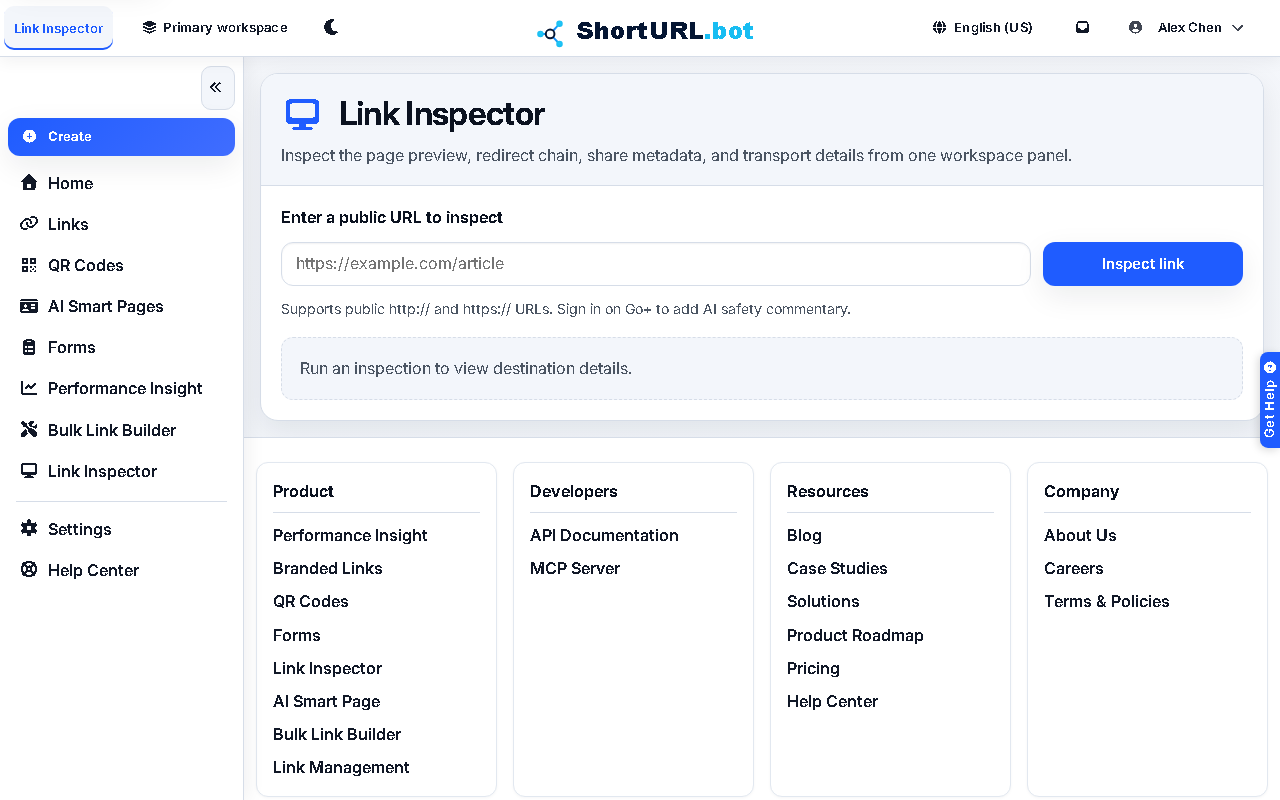
Link Inspector
Who this is for
This page is for users who need a fast destination check before a link is published in a campaign, support workflow, or external communication.
Before you start
- Have the public
httporhttpsdestination URL or short link ready for review. - Decide whether the check is for brand quality, redirect validation, or risk review.
- Understand that Link Inspector supports operational review but does not replace your own policy or legal controls.
What to do — Preview and verify destination URLs
- Open Link Inspector. There are two entry points: the app sidebar (
/app/link-inspector) when you are signed in, or the public tool at/Shorten-Link-Inspectorwhich requires no account. - Submit the public
httporhttpsdestination you want to inspect. - Review the final URL, redirect chain, page preview, share metadata, and HTTPS details.
- If the destination mismatches your intent or looks risky, stop the publish flow and fix the source before you distribute the link.
- Once the destination looks correct, continue with link creation, QR generation, or campaign packaging.
Use it well — Destination review best practices
- Use Link Inspector before bulk work, not after. It is more valuable at decision time than after a link has already shipped.
- The public entry point at
/Shorten-Link-Inspectoris available without signing in, but anonymous inspections are subject to a 24-hour rate limit. Sign in to avoid hitting it during active campaign work. - Sign in on Go+ when you want AI safety commentary in the same review flow.
- Keep a simple internal review rule for risky destinations such as user-submitted pages, affiliate content, or short-lived landing pages.
- If your question becomes platform policy, blocking, or remediation, switch to Security and abuse.