Workspaces and members
Who this is for
This page is for account owners, admins, and team leads who need to organize link operations across multiple people, brands, or client groups.
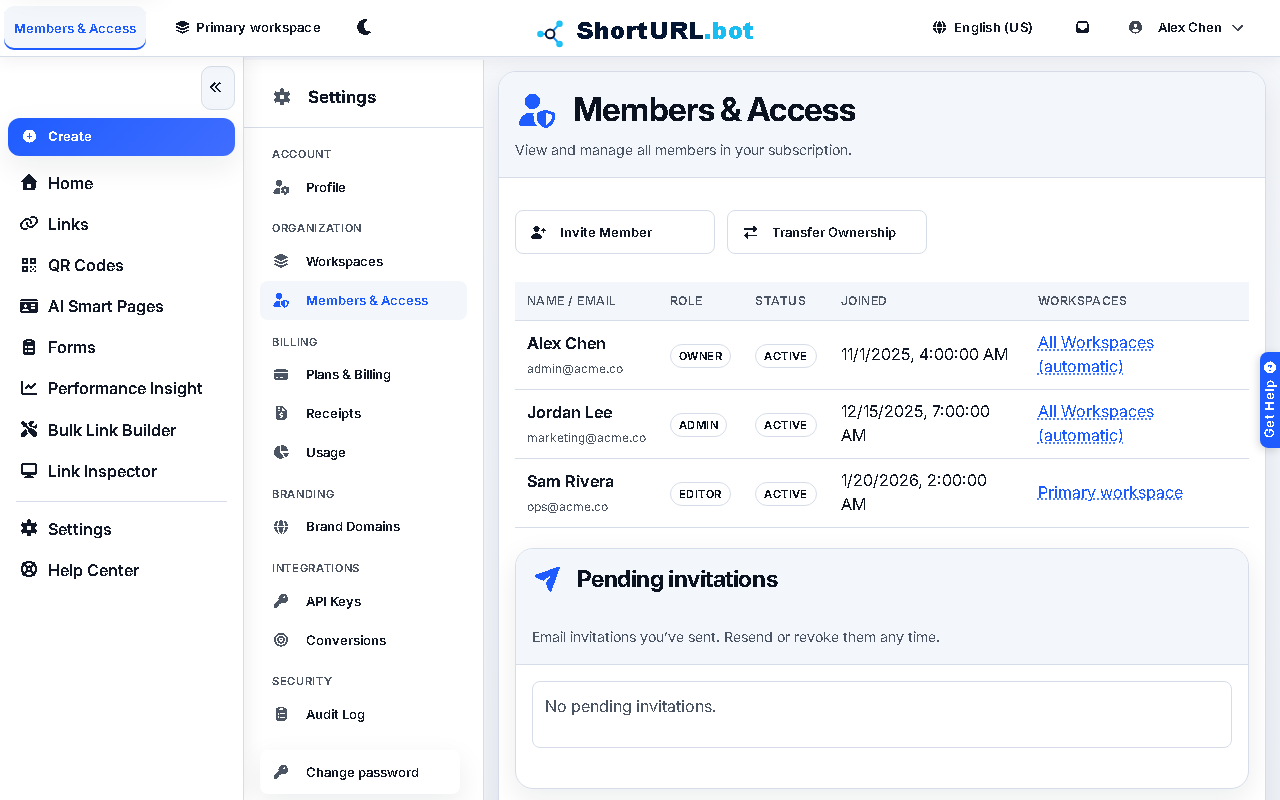
Workspace capacity exists on every plan, but Members & Access management starts on Plus. Free and Go are single-seat plans, so member invitations and shared role management should not be planned for those tiers.
Before you start
- Confirm that your account role allows workspace or member management.
- Confirm the active plan includes enough workspaces and seats for the structure you are planning.
- Decide whether your setup is based on one team, several internal groups, or multiple client environments.
- Know who should own billing, domains, and shared link conventions.
What to do — Set up workspaces and manage team access
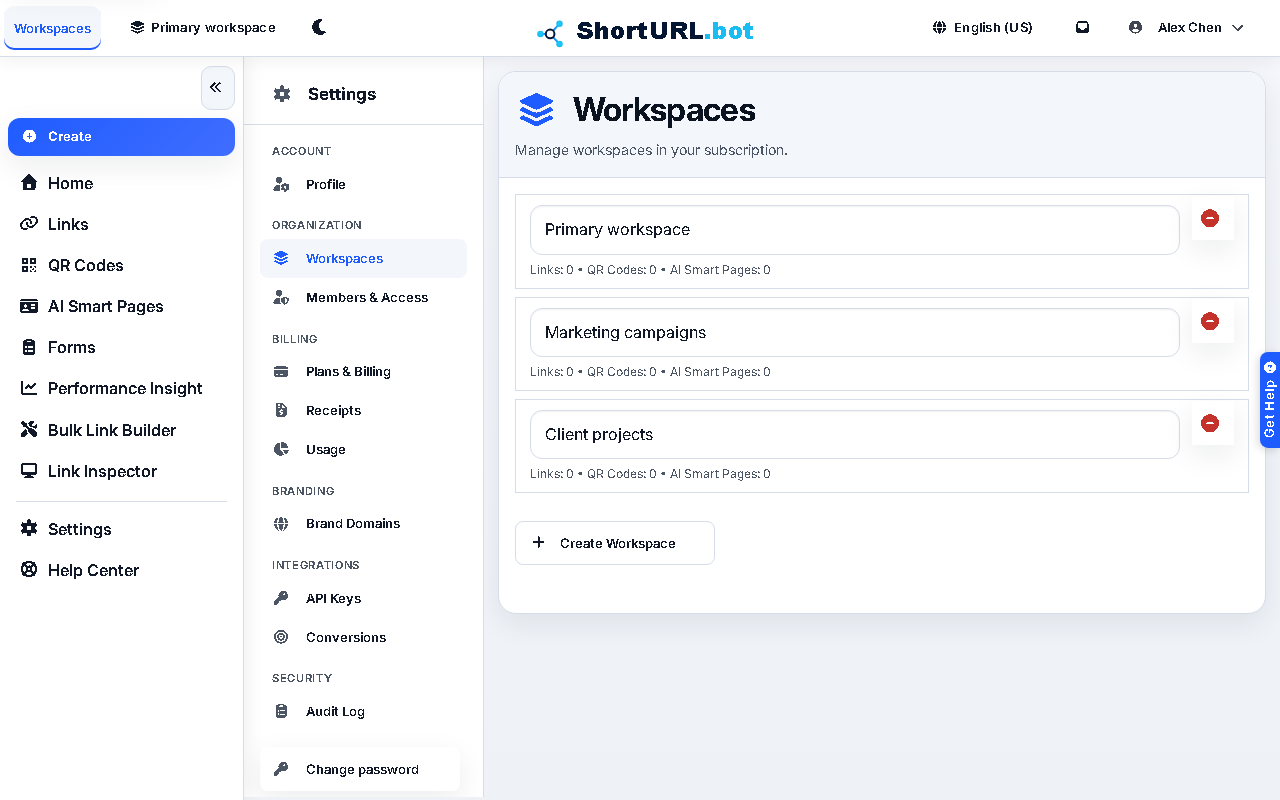
- Open Settings › Organization. Use Workspaces (
/app/settings/workspaces) to create or review workspace separation, and Members & Access (/app/settings/members) to manage who belongs to each workspace. - Create or review workspaces for the groups that need separation.
- Add members or send invitations with the least access each person needs to perform their job safely.
- Keep naming, billing ownership, and domain ownership aligned with the correct workspace.
- Revisit member access whenever campaign scope or team ownership changes.
Use it well — Workspace governance tips
- Workspaces are operational boundaries. Treat them as a way to reduce accidental overlap, not only as a visual grouping tool.
- For agencies or client-heavy setups, document who approves domains, billing, and publishing decisions before the workspace grows.
- Pair workspace governance with API keys and audit when your plan includes those controls so access decisions and invitations remain observable over time.