Billing and profile
Who this is for
This page is for account owners, billing contacts, and operators who are responsible for the commercial settings behind the active workspace.
Before you start
- Confirm whether the requested change is profile-only, billing-only, or both.
- Review current usage before you change plans or limits.
- Decide who must approve the change if the account supports more than one operational owner.
What to do — Update profile and billing settings
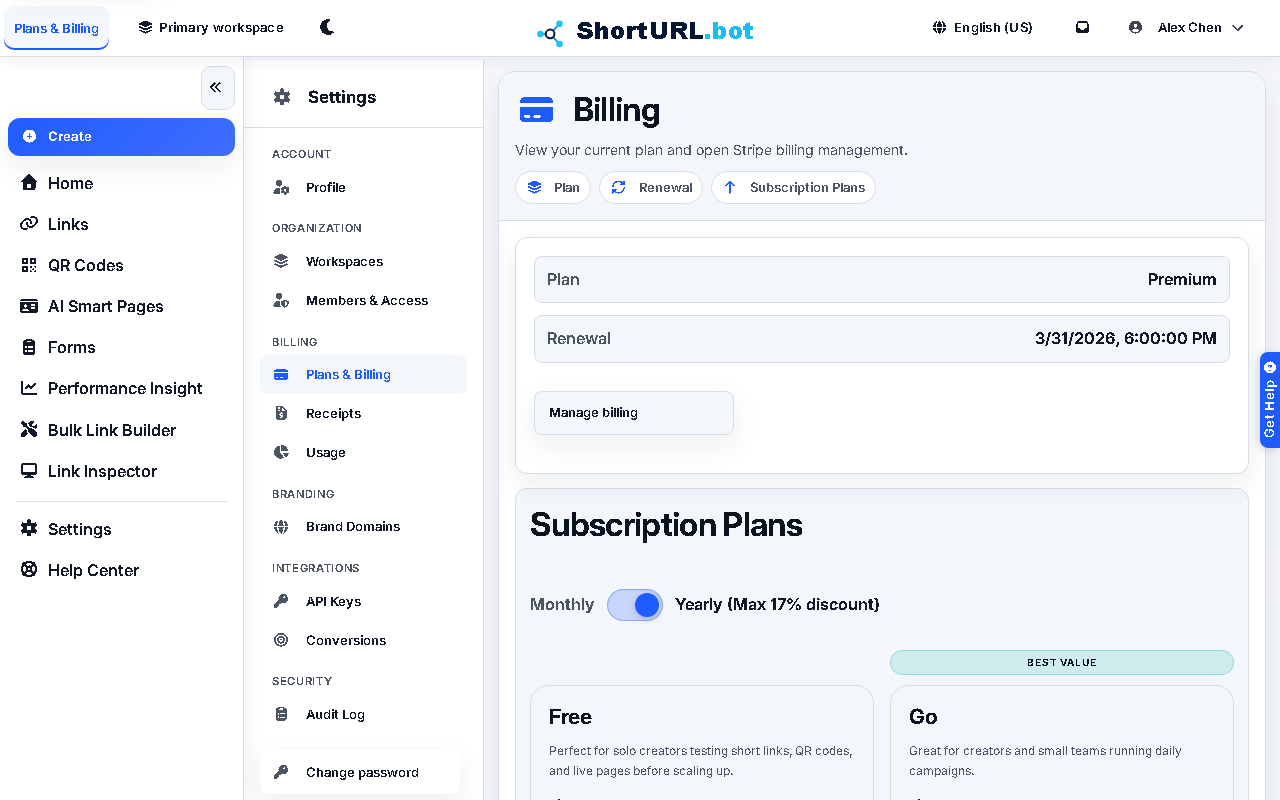
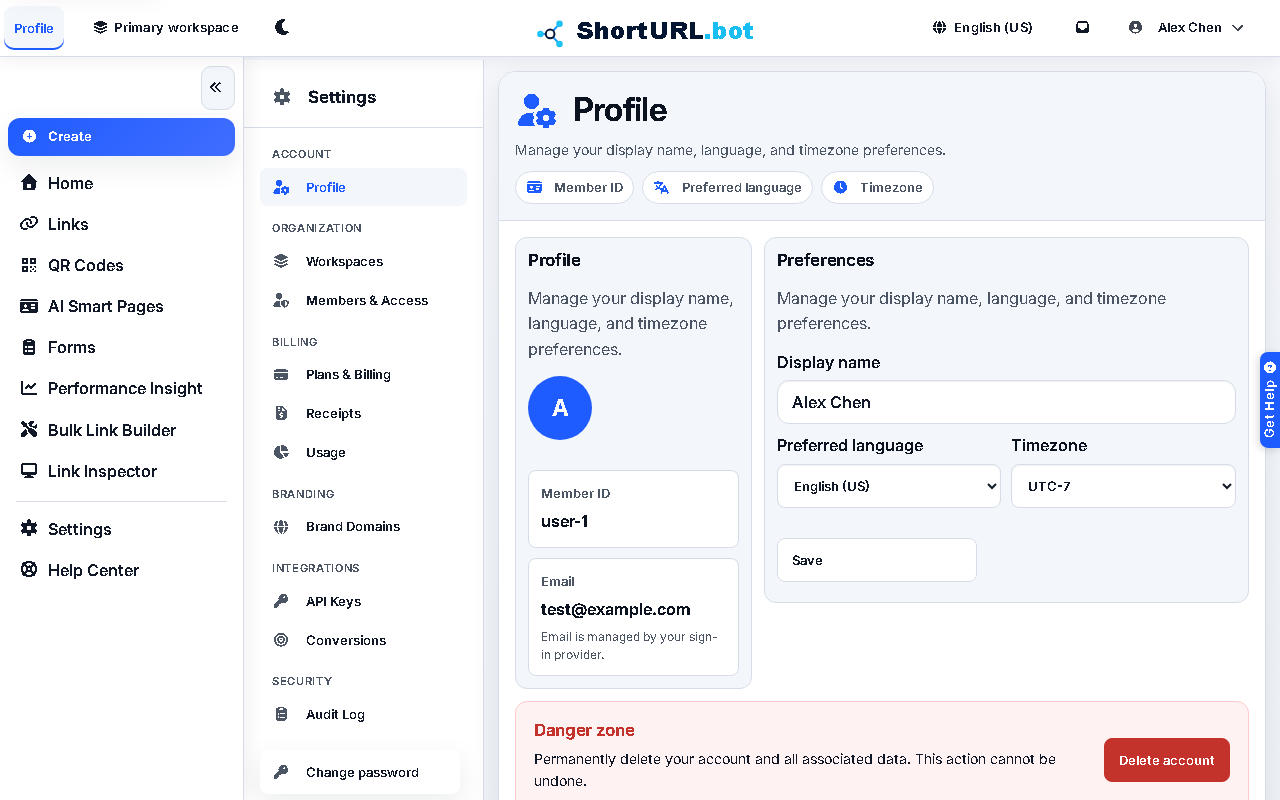
- Open the relevant Settings page for the change you need:
- Profile — Settings › Account › Profile (
/app/settings/profile): language, account metadata, password. - Plans & Billing — Settings › Billing › Plans & Billing (
/app/settings/billing): subscription and plan changes. - Receipts — Settings › Billing › Receipts (
/app/settings/receipts): subscription invoices and domain purchase records. - Usage — Settings › Billing › Usage (
/app/settings/usage): tracked consumption against plan limits.
- Profile — Settings › Account › Profile (
- Update profile information such as language or account metadata on the Profile page.
- Review plan and billing information on the Plans & Billing page before changing the subscription.
- If you are upgrading or changing the billing setup, align the decision with current or upcoming usage.
- Confirm that the right people still own financial and operational follow-up after the change.
Use it well — Billing change best practices
- Plan changes should be tied to actual campaign load, not only to feature curiosity.
- Keep the billing contact and the operational owner aligned. A subscription change without workflow context often creates preventable confusion later.
- Use Usage and plan limits before you change a plan under live campaign pressure.
What to do — Delete an account
Account deletion is available from Settings › Account › Profile. You must type DELETE to schedule deletion. ShortURL starts a 30-day grace period, pauses normal app access, revokes API keys, and shows an account deletion page where you can check the scheduled date or cancel the request.
Deletion is blocked until you leave active shared workspaces or remove other active members from subscriptions you own. Billing records, domain/registrar records, audit records, abuse records, and the sign-in identity are retained for operational and legal continuity.
During the grace period, normal app and API access is blocked. Only the account deletion status and cancel actions remain available. If you cancel before the scheduled deletion date, you can sign in again and review any workspace or billing cleanup that still needs attention.