Billing receipts
Who this is for
This page is for owners, admins, billing contacts, and finance operators who need payment history for a ShortURL subscription or domain purchase.
Before you start
- Sign in with a role that can view billing records.
- Confirm the workspace or subscription shown in the app header is the subscription you need.
- Know whether you are looking for a plan invoice, complimentary custom domain order, domain renewal, or another billing event.
What to do - Find and use receipts
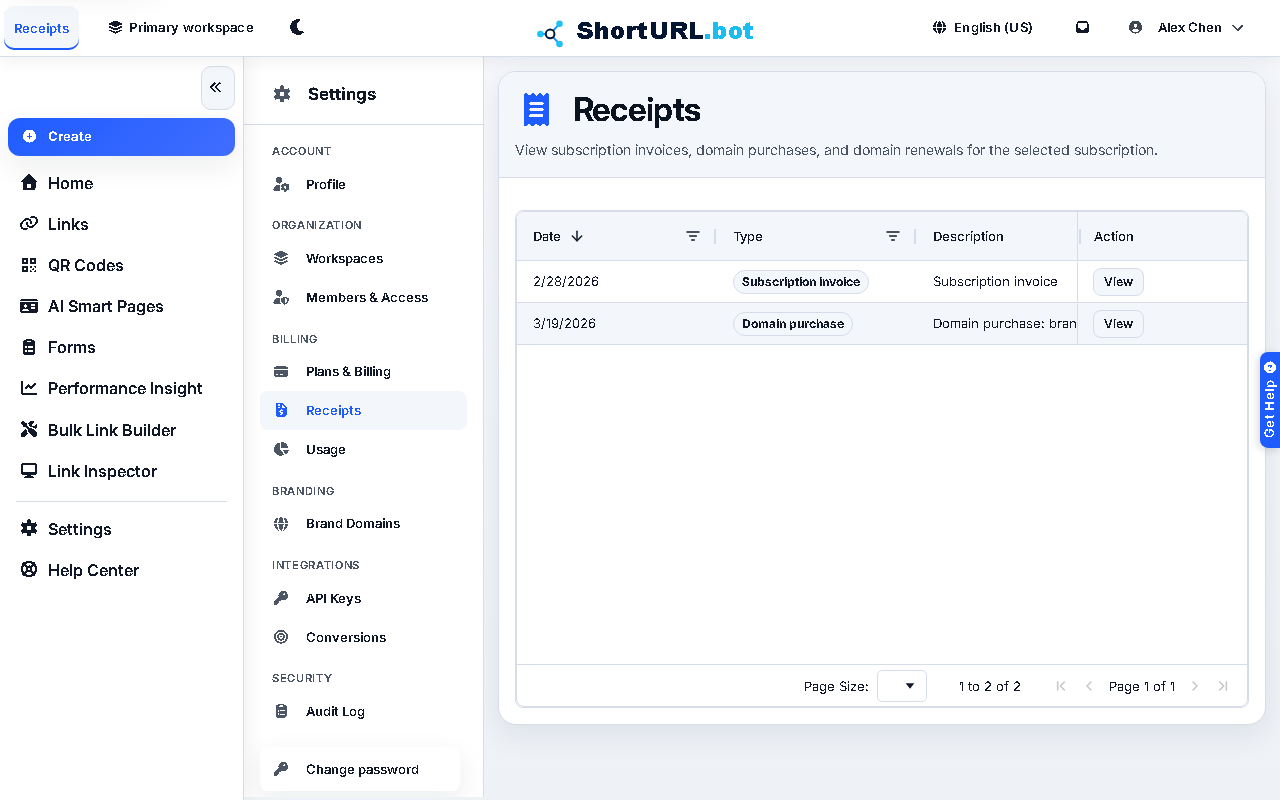
- Open Settings > Billing > Receipts (
/app/settings/receipts). - Confirm the subscription summary if your account has access to more than one subscription.
- Sort or filter the table by date, amount, type, description, or reference.
- Open the hosted document link when you need the original invoice or receipt.
- Keep the receipt reference with your internal accounting record if the charge is tied to a campaign, domain, or client workspace.
Use it well
- Use receipts for payment history and accounting records. Use Billing and profile when you need to change the plan or payment setup.
- Domain purchase and renewal records can appear alongside subscription invoices, so filter by type when reconciling a specific charge.
- If a charge looks wrong, gather the receipt reference, date, amount, workspace, and subscription name before contacting support.