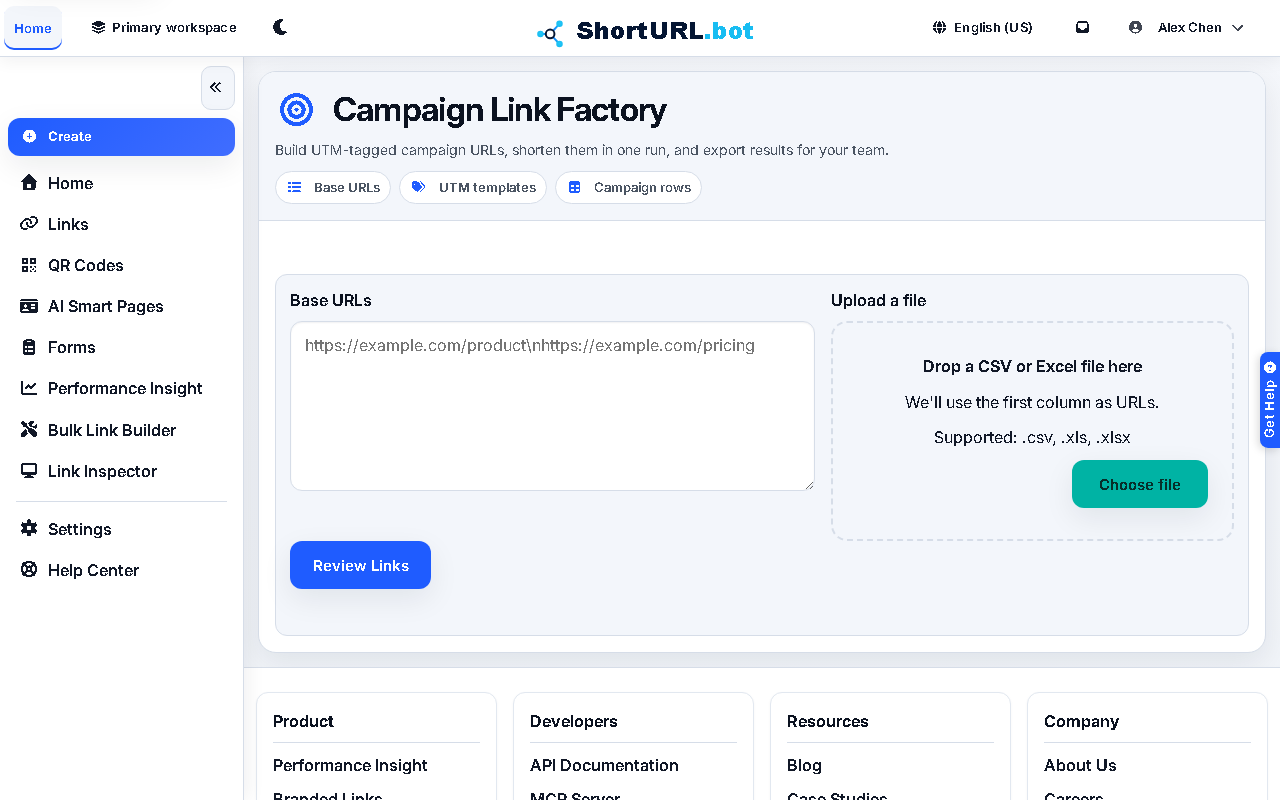
Campaign Link Factory
Who this is for
This page is for marketers, agencies, growth teams, and operations users who need consistent UTM-tagged links across channels and placements.
Before you start
- Prepare the base URLs that will receive tracking parameters.
- Decide which UTM fields must be standardized across the campaign.
- Sign in before you try to create the final short links in bulk.
What to do — Build UTM-tagged campaign links
- Enter the base URLs for the campaign.
- Create one or more UTM templates that represent the channels, placements, or launch variants you need.
- Generate preview rows before you publish anything. This is the main quality-control step.
- Review the preview table and confirm that the generated campaign URLs match the intended naming strategy.
- Create the short links and export the resulting table for the rest of the team.
Use it well — Campaign naming best practices
- Separate naming rules from link creation. Campaign Link Factory is strongest when UTM discipline is decided before the run.
- Keep template names readable. Analysts and operators should be able to interpret them without opening the original planning brief.
- If the source material is HTML or content that needs replacement in place, use Smart Replace instead of manually rebuilding every URL.